Book a mechanic online — here's how it works
Always free for car owners. Find a shop, compare what it lists, then book an open time or send a request - or let MapleDriven AI ask the nearby shops for you.
WHY CAR OWNERS USE MAPLEDRIVEN
Free for you. Fair for everyone.
Always free for car owners
MapleDriven never charges you - not to search, not to book, not to ask our AI. You pay the shop for its work, the same as always.
The time you book is your time
The appointment you booked is the time you are booked in for. No more "drop it off and we will see".
No pushing on extra work
If the shop finds something more, it asks you first and you decide. If it needs more time, you can leave the car and pick it up when it is done.
Compare before you go
Services, starting prices where the shop lists them, Google reviews, opening hours and distance - side by side.
Mobile mechanics too
Use the "Comes to you" filter to find mobile mechanics who come to your home or work.
Let our AI ask around
Tell MapleDriven AI what your car needs and when. It asks the nearby shops and shows you who can take you.
PLEASE READ BEFORE YOU BOOK
The booking rules
Shops hold real time for you, so we ask the same respect back. Simple, and fair for everyone.
- 1Sign in and add your car to bookYour name, a phone we can reach you on and your car (year, make and model), so the shop knows exactly who is coming and with what.
- 2Reply YES to your reminderWe text you 2 hours before your confirmed time. Reply YES so the shop keeps the bay for you.
- 3Change or cancel at least 4 hours beforePlans change - just tell the shop early. Use My Bookings at least 4 hours before your confirmed time so the shop can give the time to someone else. A cancel later than that counts like a no-show.
- 4No-shows and late cancels pause your accountShops keep real time for you. 3 missed or late-cancelled bookings in 6 months pause your MapleDriven account.
- 5Shop not ready for you? Wait 10 minutesIf the shop still cannot take you after 10 minutes, tell us in the questions after your visit. A shop that does this again and again is taken off MapleDriven.
- 6Answer a few quick questions after each visitBefore your next booking we ask how your last visit went (about 1 minute). It keeps MapleDriven improving on both sides and free for car owners. Once you answer, your next booking unlocks straight away.
- 7Up to 2 bookings a dayYou can book up to 2 times a day and send up to 5 requests a day, so shops get real customers, not test bookings.
- 8Pay the shop directlyMapleDriven never charges you. Agree the price with the shop before any work starts, and pay the shop when it is done.
- 9No booking button on a shop page?That shop has not opened online booking on MapleDriven yet. You can still call the number on its page and ask about its services.
SIMPLE & SEAMLESS PROCESS
Book Your Appointment in 4 Steps
From finding a shop to a confirmed drop-off — here is exactly what happens at each step.
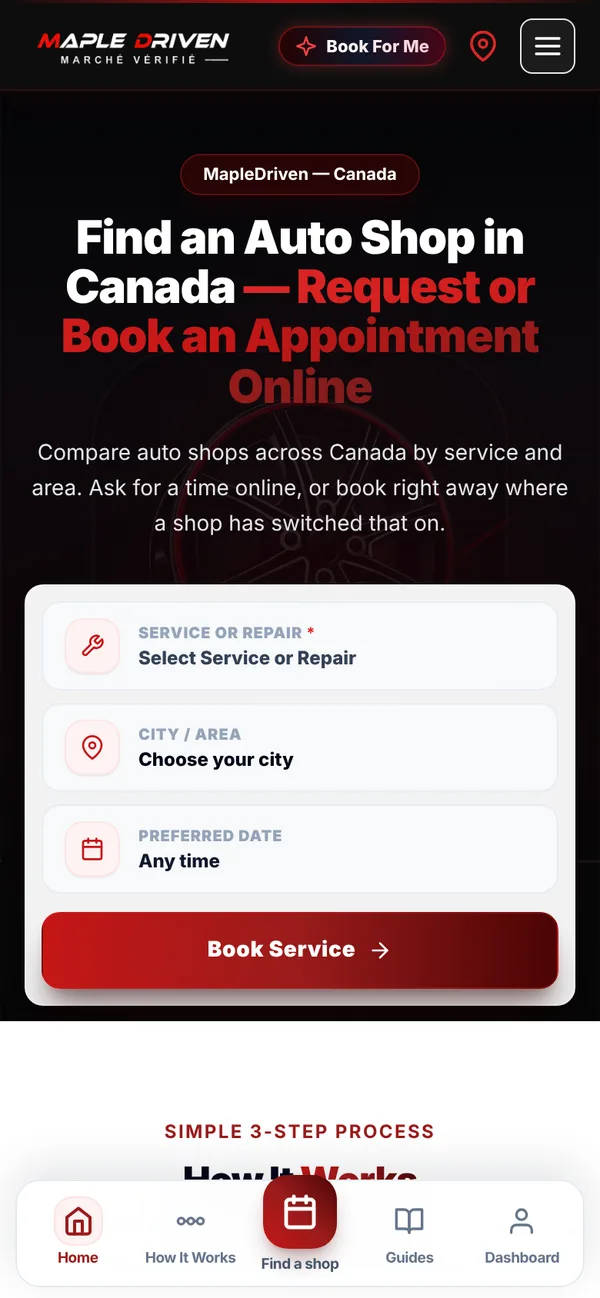
Pick a service and area
Choose what you need — oil change, winter tires, inspection, brakes — and your area or a postal code.
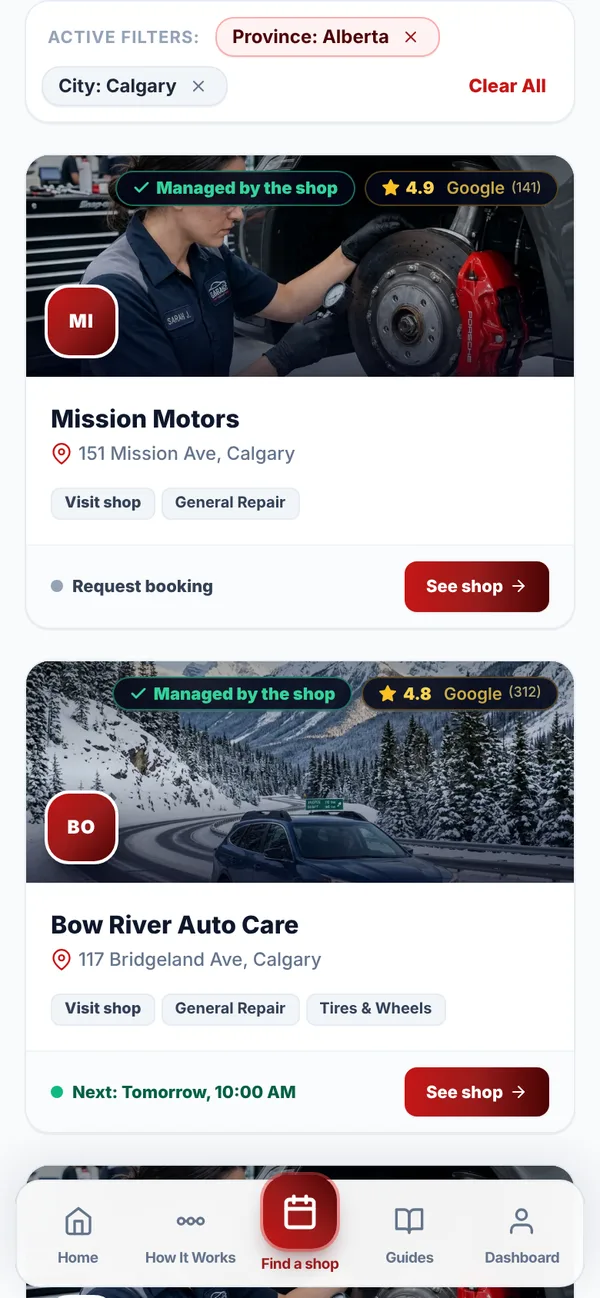
Compare shops
See each shop's Google rating, the services it lists, and whether it takes instant bookings or requests.
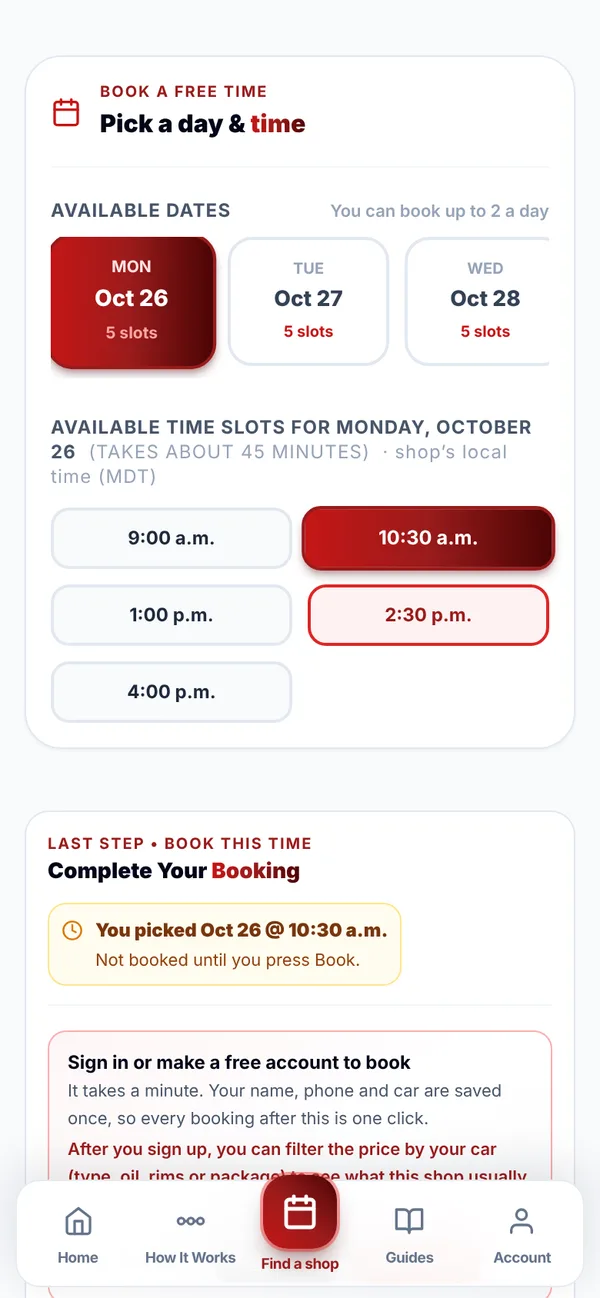
Book a slot or request a time
Shops marked Instant booking show open times and confirm the selected time. Other shops receive a request that stays unconfirmed until they accept it.
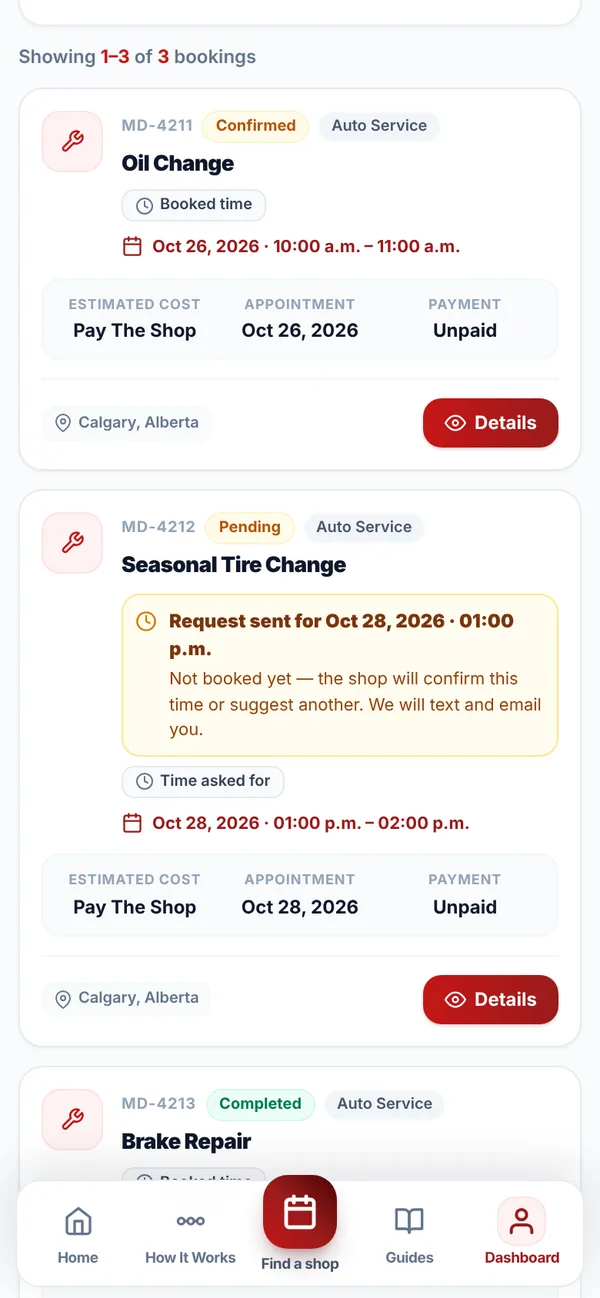
Get confirmation, then drop off
Follow the status shown in your account and messages. Drop the car off only after the time is confirmed, and pay the shop directly for its work.
OR — LET THE AI FIND A SHOP FOR ME
Let MapleDriven do the asking around
Don't want to compare shops yourself? Tell us what you need and we'll contact nearby shops for you.
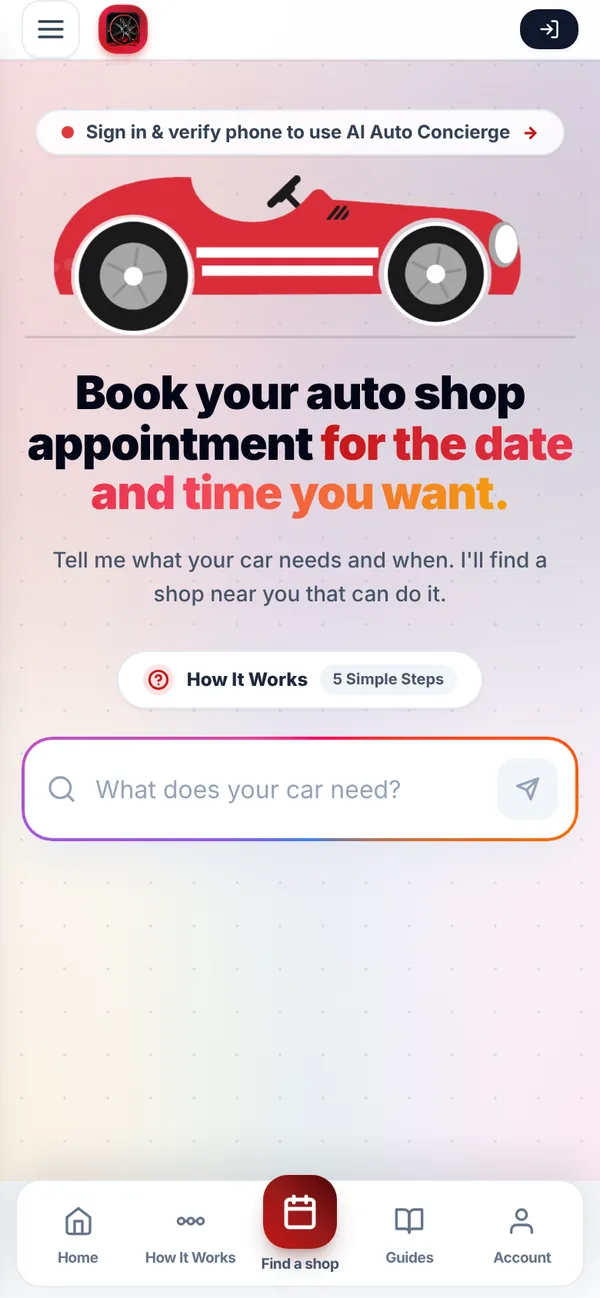
We get back to you before you finish your coffee.
- Tell us what you need. The service, the day and time you want, and your car - about a minute.
- We ask the nearby shops for you. No more phone calls and asking around.
- You get the shops that can take you. At the time you wanted, with their price if they give one, Google reviews and how far they are. You pick.
- No shop free at that time?. We let you know within 10 minutes, so you are never left waiting.
SERVICES AVAILABLE
What You Can Book
Six categories and the services inside them. Tap one to see shops near you.
General Repair & Maintenance
Routine maintenance, engine diagnostics, oil changes, brake service, and general auto repairs.
Tires & Wheels
Seasonal tire changeover, winter tires, wheel alignment, tire balancing, and flat tire repair.
Inspection
Out-of-province inspections, pre-purchase inspections and safety checks.
Detailing & Protection
Interior and exterior detailing, ceramic coating, paint protection film (PPF), and undercoating.
Body & Paint
Collision repair, dent removal, bumper repair, and custom auto body painting.
Auto Tuning
ECU remapping, dyno tuning, exhaust upgrades, and high-performance automotive modifications.
General Repair & Maintenance
Routine maintenance, engine diagnostics, oil changes, brake service, and general auto repairs.
Tires & Wheels
Seasonal tire changeover, winter tires, wheel alignment, tire balancing, and flat tire repair.
Inspection
Out-of-province inspections, pre-purchase inspections and safety checks.
Detailing & Protection
Interior and exterior detailing, ceramic coating, paint protection film (PPF), and undercoating.
Body & Paint
Collision repair, dent removal, bumper repair, and custom auto body painting.
Auto Tuning
ECU remapping, dyno tuning, exhaust upgrades, and high-performance automotive modifications.
THE MAPLE DRIVEN DIFFERENCE
Why Book Auto Service on MapleDriven
Designed for vehicle owners who demand speed, trust, and total peace of mind.
Instant where switched on
Instant-booking times appear only where a shop has switched instant booking on for that service.
Starting prices when listed
The shop confirms the price for your vehicle before any work.
Clear updates
MapleDriven notifies you and the shop when your appointment is submitted.
Pay the shop directly
The shop provides the estimate, performs the work and takes payment.
Change or cancel
Plans change. Cancel from your account or call the shop; each shop sets its own policy.
Appointment history
Signed-in users can review submitted appointments and saved account details.
Shops near you
Filter by area or postal code radius across your city and nearby towns.
Instant where switched on
Instant-booking times appear only where a shop has switched instant booking on for that service.
Starting prices when listed
The shop confirms the price for your vehicle before any work.
Clear updates
MapleDriven notifies you and the shop when your appointment is submitted.
Pay the shop directly
The shop provides the estimate, performs the work and takes payment.
Change or cancel
Plans change. Cancel from your account or call the shop; each shop sets its own policy.
Appointment history
Signed-in users can review submitted appointments and saved account details.
Shops near you
Filter by area or postal code radius across your city and nearby towns.
FREQUENTLY ASKED QUESTIONS
Common Questions
START YOUR BOOKING TODAY
Ready to book your car in?
Always free for car owners. Compare shops by service and area, then book an open time or send a request.